
Description
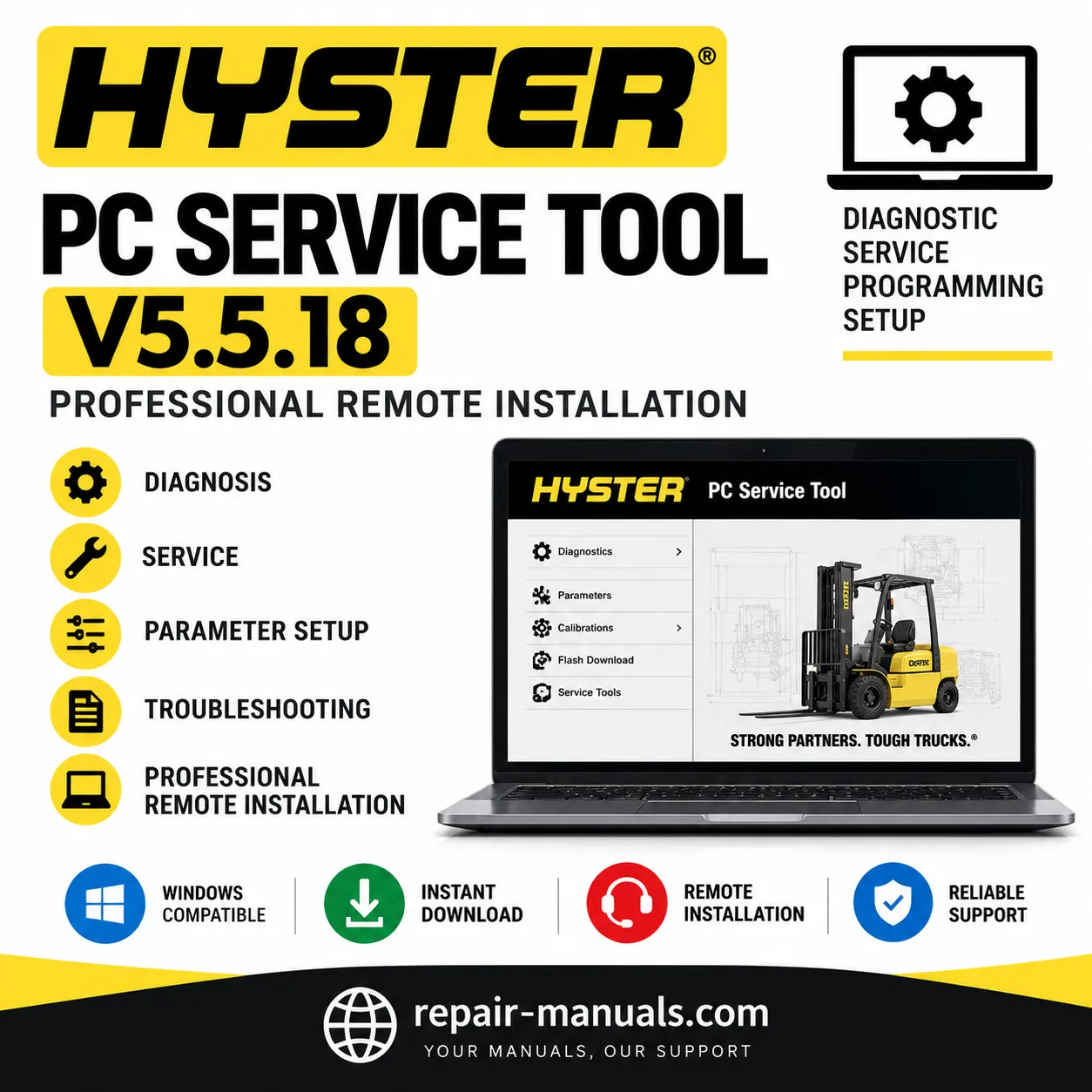
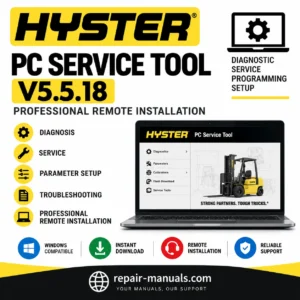
Hyster PC Service Tool V5.5.18 – Professional Remote Installation
The Hyster PC Service Tool V5.5.18 is a Windows-based service and diagnostic application designed to communicate with the electronic control systems of supported Hyster trucks and forklifts.
The software provides technicians with access to important diagnostic information and service functions, helping identify faults, monitor truck systems and perform supported diagnostic procedures. The PC Service Tool documentation describes functions including Fault Monitor, Truck Information, Custom Data Monitor, Strip Chart, Diagnostic Tests, Activity Logs, Load Strip Chart, Databus Viewer and No Run Mode.
| Feature | Details |
|---|---|
| Software | Hyster PC Service Tool |
| Version | V5.5.18 |
| Product Type | Diagnostic & Service Software |
| Installation | Remote Installation |
| Installation PC | 1 Windows PC |
| Machine Type | Hyster Forklifts / Industrial Trucks |
| Communication | CAN / compatible RP1210 interface |
| Diagnostic | Fault monitoring & system diagnostics |
| Data Monitoring | Custom Data Monitor / Strip Chart |
| Diagnostic Tests | Supported truck-dependent functions |
| Programming | Supported applications/trucks only |
| Service | Remote technician assistance |
| Delivery | Remote installation appointment |
| Internet | Required for remote installation |
Professional Remote Installation
Instead of dealing with complicated installation and configuration procedures yourself, our technician can connect to your Windows computer remotely and assist with the installation and configuration of the Hyster PC Service Tool.
Once your order is confirmed, you will receive instructions for arranging the remote installation session. Our technician will install the required software components and configure the application so it is ready for connection to your compatible Hyster diagnostic interface.
Diagnostic Functions
- Fault Monitor – View detected truck faults and diagnostic information.
- Truck Information – Access truck identification, serial/ID information and operating-hour information where supported.
- Custom Data Monitor – Monitor selected truck parameters.
- Strip Chart – View selected parameters in graphical form.
- Diagnostic Tests – Access supported diagnostic test functions for compatible truck systems.
- Activity Logs – Review service and diagnostic activity.
- Load Strip Chart – Work with recorded diagnostic data.
- Databus Viewer – View detailed CAN-bus communication information for advanced troubleshooting.
- No Run Mode – Access the supported service mode used during diagnostic procedures.
- Programming Functions – Programming-related functions may be available depending on the connected truck, software configuration and supported application.
Designed for Hyster Forklift Technicians
Hyster PCST is intended for professional service personnel working with Hyster ICE, electric rider and compatible electric warehouse products. The software communicates with truck control systems through compatible vehicle communication interfaces.
Compatible Diagnostic Interfaces
PC Service Tool uses compatible vehicle communication interfaces, including supported RP1210-compliant CAN adapters. Compatibility depends on the specific adapter, driver, truck model and controller configuration.
Remote Installation Service Includes
- Remote connection to your Windows PC
- Hyster PC Service Tool installation
- Required software configuration
- Basic diagnostic interface configuration
- Application startup and configuration check
- Basic connection verification where the required hardware is available
- Installation assistance from a KZ Mechanic technician
Important Compatibility Information
The Hyster PC Service Tool does not mean that every function is available on every Hyster forklift. Available diagnostic, service and programming functions depend on the specific truck model, unit code, electronic controllers, communication adapter and software configuration.
For programming or advanced service operations, the customer must have the appropriate compatible truck, communication interface and required authorization/access where applicable.
Who Should Buy This Service?
- Hyster forklift technicians
- Heavy equipment repair workshops
- Forklift service companies
- Fleet maintenance departments
- Independent diagnostic technicians
- Hyster forklift owners requiring professional diagnostics
Why Choose KZ Mechanic?
With our remote installation service, you don’t have to spend hours trying to configure diagnostic software yourself. A KZ Mechanic technician assists with the installation and setup process remotely, allowing you to get your diagnostic workstation prepared more efficiently.
⚠️ Before Ordering
- Windows PC/laptop is required.
- A compatible Hyster diagnostic communication adapter is required for connection to the forklift.
- Internet access is required for the remote installation session.
- Compatibility should be checked before advanced programming operations.
- Remote installation is for one PC unless otherwise stated.
Reviews
There are no reviews yet.