Description
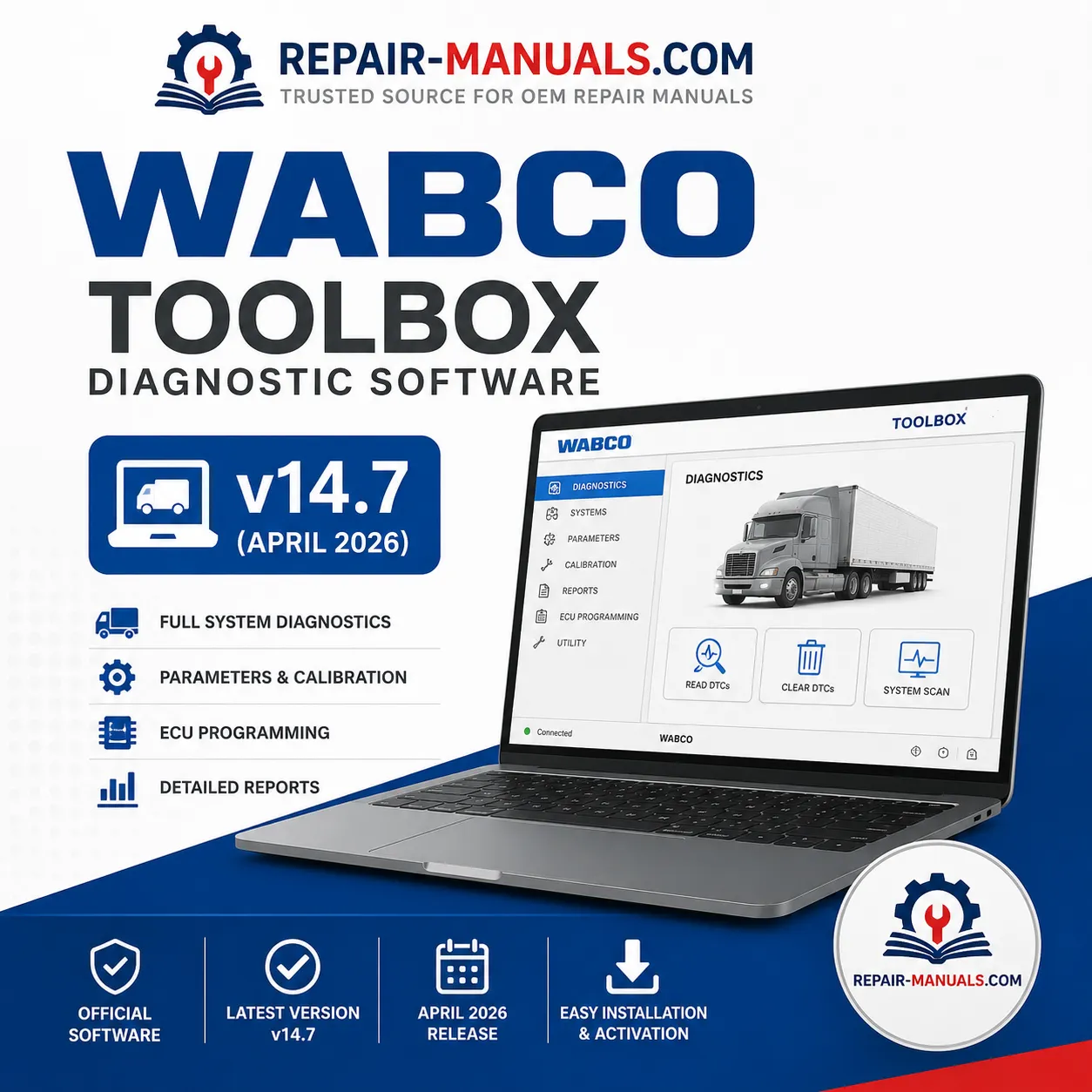
WABCO TOOLBOX Diagnostic Software v14.7 (April 2026)
Professional Commercial Vehicle Diagnostics
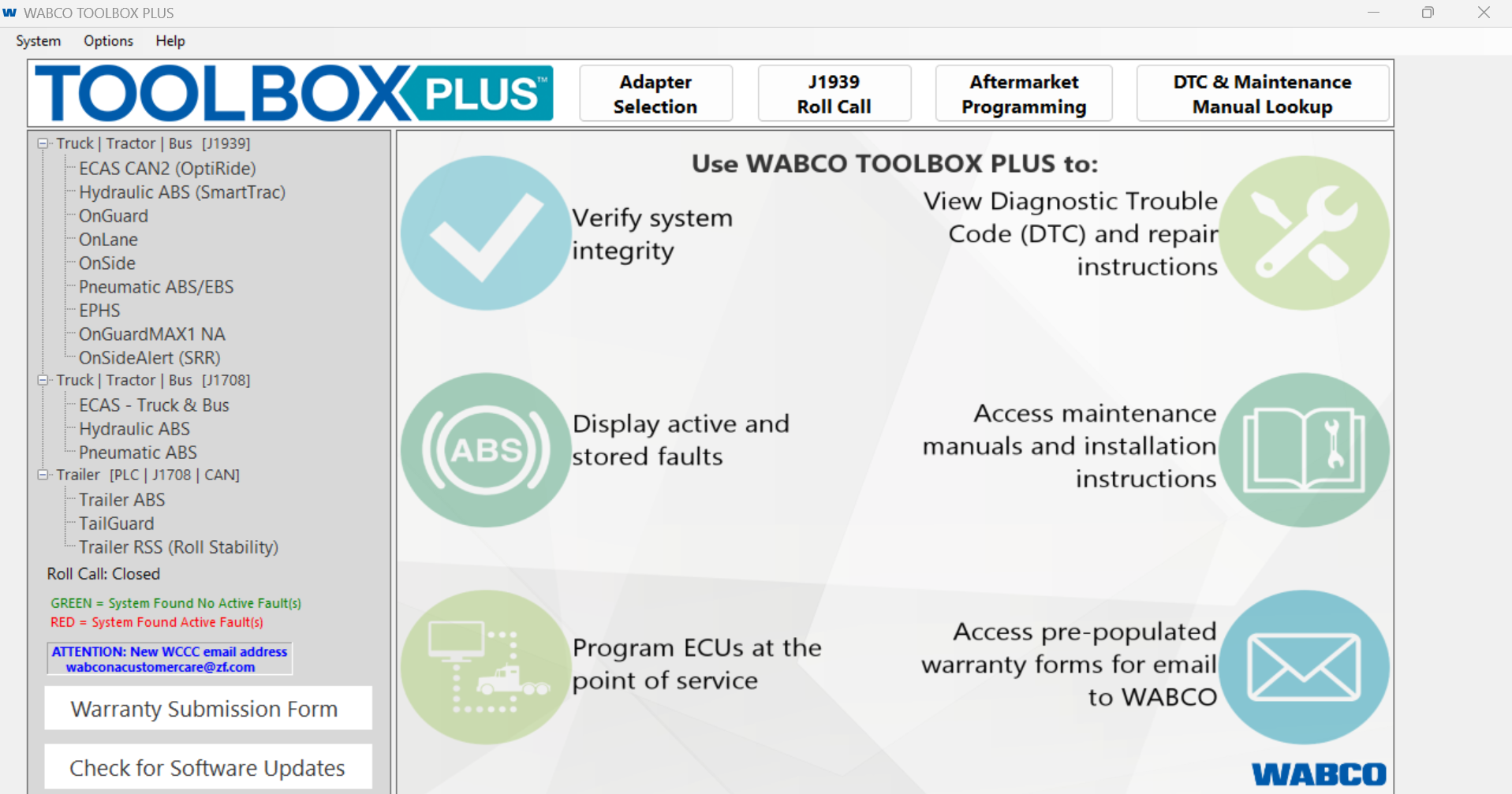
WABCO TOOLBOX Diagnostic Software v14.7 is the latest diagnostic and configuration platform for servicing WABCO electronic braking, stability control, suspension, and advanced driver assistance systems (ADAS) installed on commercial trucks, trailers, buses, and specialty vehicles.
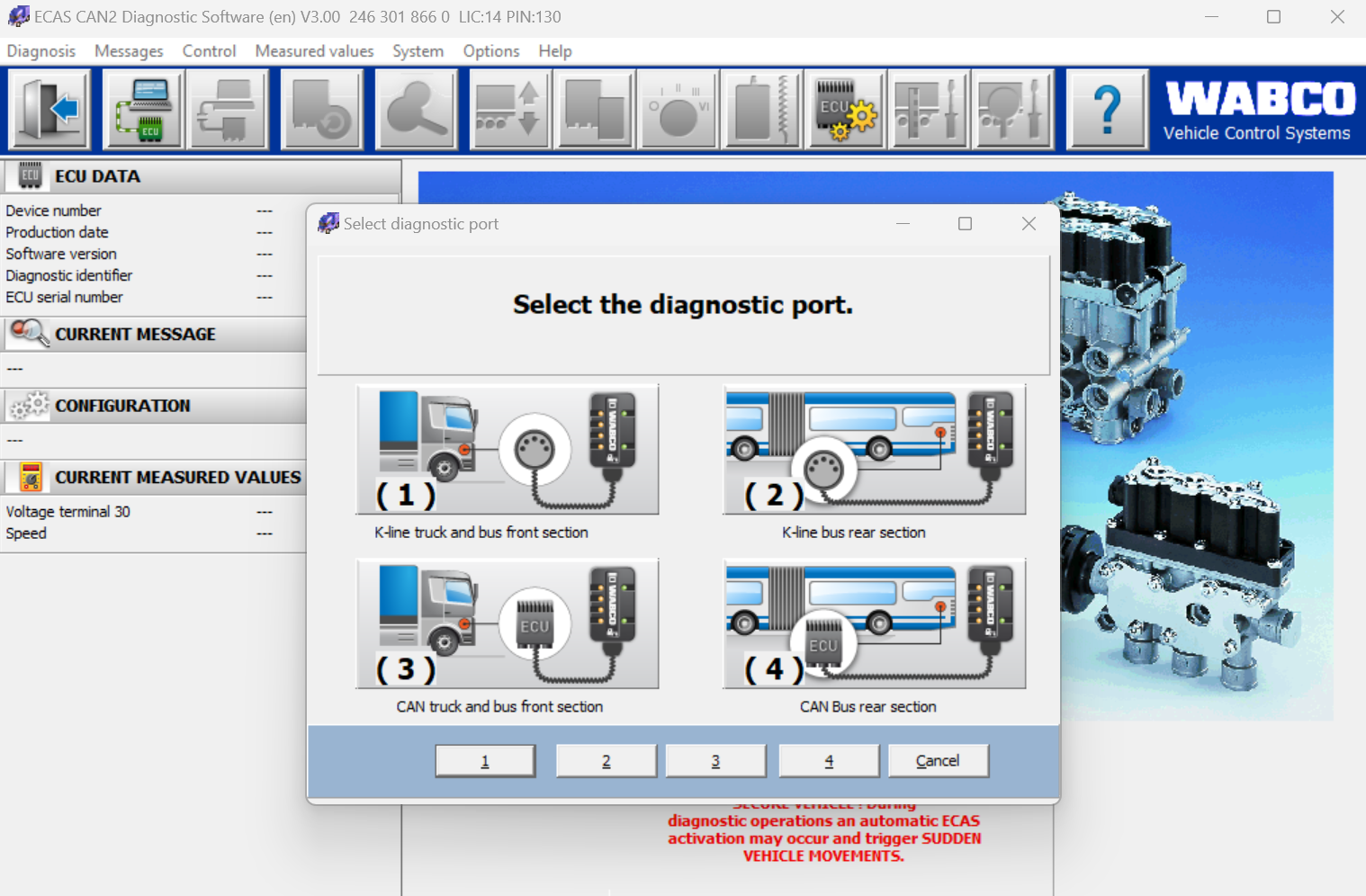
Designed for professional workshops, fleet maintenance facilities, and mobile technicians, WABCO TOOLBOX provides fast ECU diagnostics, parameter programming, calibration, fault code reading and clearing, component testing, and software configuration for a wide range of WABCO systems.
The April 2026 (Version 14.7) release introduces enhanced support for new vehicle platforms, expanded ECU configuration capabilities, improved communication, and compatibility with the latest diagnostic adapters.
Key Features
- Complete ECU diagnostics and troubleshooting
- Read and clear Diagnostic Trouble Codes (DTCs)
- Live sensor and parameter monitoring
- ECU parameter programming and configuration
- Component activation and functional testing
- ABS, EBS and stability control diagnostics
- Trailer and tractor communication support
- ADAS calibration and configuration functions
- Improved vehicle communication performance
- Support for multiple professional diagnostic interfaces
What’s New in Version 14.7 (April 2026)
OnGuardMAX
- Added new parameter saving functionality for improved configuration management.
SRR (Side Radar Recognition)
- Added dataset parsing support for enhanced diagnostics and analysis.
TailGuard
- Added support for:
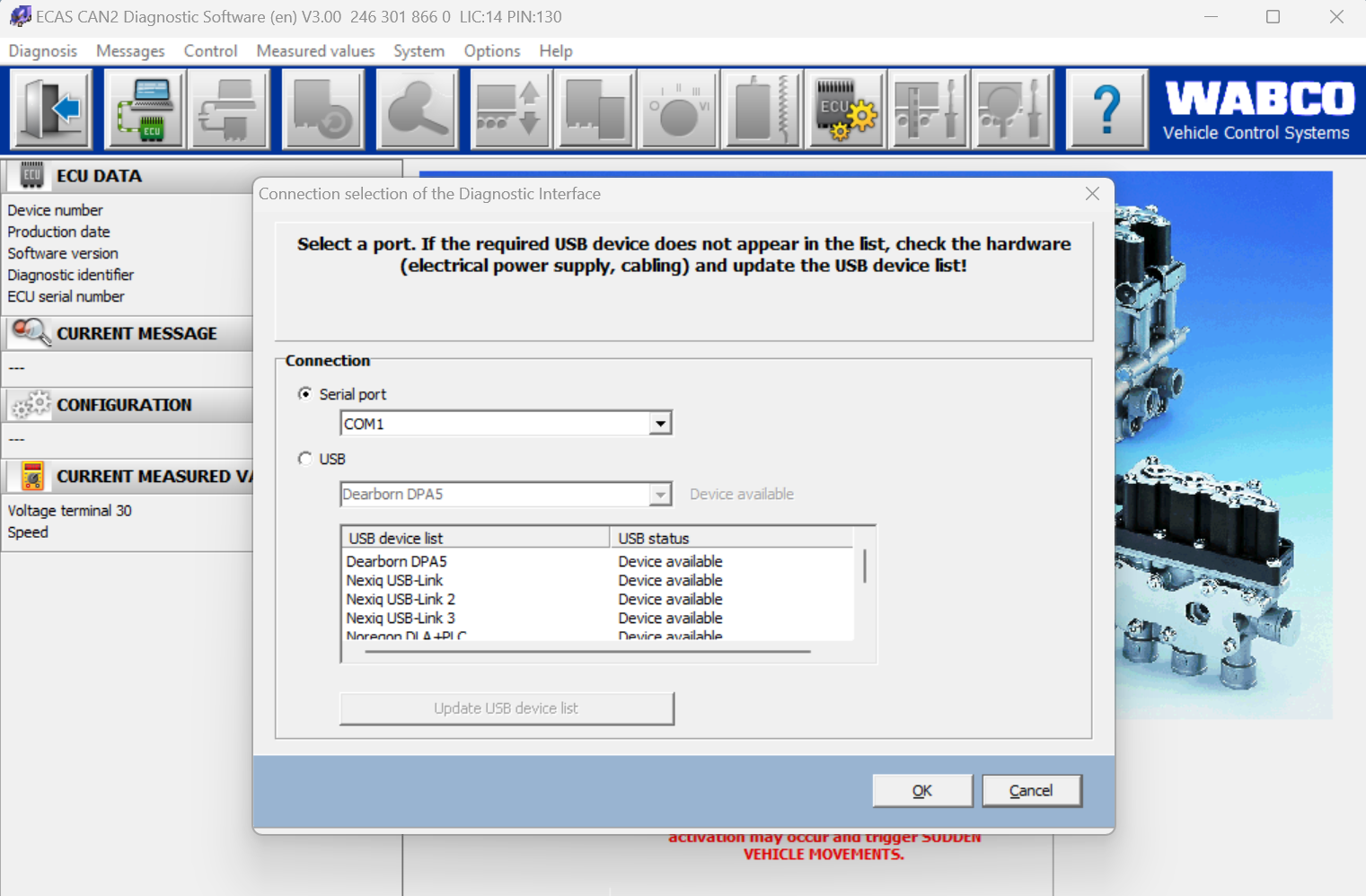
- Nexiq USB-Link™ 3
- Noregon DLA+ 3
iABS (PLC)
- Added Notebook feature for recording service information and technician notes.
iABS (CAN)
- Added:
- Special ECU Configuration
- ABS Sensor Assignment
mBSP
- Updated Driveline Status information within HiSA for improved system monitoring.
Supported Systems
WABCO TOOLBOX supports diagnostics and service functions for numerous WABCO electronic control systems including:
- ABS
- EBS
- ESC
- OnGuardMAX
- TailGuard
- SmartRadar
- Side Radar Recognition (SRR)
- Air Suspension
- Trailer Systems
- iABS (PLC)
- iABS (CAN)
- mBSP
- Additional supported WABCO electronic control modules
Professional Workshop Functions
- ECU Identification
- Fault Code Reading & Clearing
- Live Data Monitoring
- ECU Configuration
- Parameter Programming
- Calibration Procedures
- System Tests
- Sensor Assignment
- Configuration Backup
- Service Reports
Benefits
- Faster troubleshooting
- Reduced vehicle downtime
- Accurate electronic diagnostics
- OEM-level configuration capabilities
- Improved workshop productivity
- Compatible with the latest diagnostic interfaces
- Supports modern WABCO safety systems
Package Includes
- WABCO TOOLBOX Diagnostic Software v14.7
- Installation Support
- Latest Available Updates Included
- Digital Download
Perfect for professional repair shops, fleet maintenance departments, dealerships, and independent technicians servicing modern commercial vehicles equipped with WABCO electronic braking and safety systems.
Only logged in customers who have purchased this product may leave a review.
⭐ Our Performance
Our Performance
Customer feedback across our published products.
4.8 / 5
★★★★★
Average customer rating
481
Approved product ratings
Customer rating distribution
Statistics are calculated from approved, rated WooCommerce reviews on published products. Ratings are customer-submitted and are not independently verified.
🔒 Save Money with Membership
Choose How You Want to Access Manuals
We offer two different options. Choose Time-Based Membership for access during a set period, or Download Credits to unlock a fixed number of manuals with no credit expiration.
⏱ TIME-BASED MEMBERSHIP
Access eligible manuals during your chosen membership period.
Access expires when the period ends.
∞ DOWNLOAD CREDIT MEMBERSHIP
Unlock 5, 10, 20, 50 or 100 eligible manuals at your own pace.
NO EXPIRATION — UNUSED CREDITS NEVER EXPIRE.
OPTION 1 — TIME-BASED MEMBERSHIP
Choose a time-based membership to access eligible repair manuals, workshop guides and member-only resources during your selected access period. Access ends when your selected period expires. This is ideal when you need to work with many manuals within a limited time.
⏱ TIME-LIMITED ACCESS — 24 HOURS, 7 DAYS, 30 DAYS, 180 DAYS OR 365 DAYS
Time-Based Membership Benefits
✓ Access thousands of eligible member manuals during your active membership
✓ Access members-only posts while membership is active
✓ Instant member access after successful payment
✓ Member download access on eligible WooCommerce products
✓ Choose the access period that suits your needs
Important: Time-based access expires at the end of the purchased period.
OPTION 2 — DOWNLOAD CREDIT MEMBERSHIP
Buy a fixed number of credits to unlock eligible PDF manuals, one manual at a time. Unlike time-based membership, your unused credits never expire. Ideal when you want to download manuals gradually over months or years.
∞ NO EXPIRATION — UNUSED DOWNLOAD CREDITS NEVER EXPIRE
Each credit unlocks one eligible manual. This is a fixed-quantity plan, not unlimited access. Previously unlocked manuals can be downloaded again without using another credit.
Starter Download Pack
START SMALL
5 Manual Download Credits
$19
∞ NO EXPIRATION
View Credit Pack
Essential Download Pack
★ MOST POPULAR
10 Manual Download Credits
$35
∞ NO EXPIRATION
View Credit Pack
Professional Download Pack
SAVE MORE
20 Manual Download Credits
$59
∞ NO EXPIRATION
View Credit Pack
Workshop Download Pack
WORKSHOP CHOICE
50 Manual Download Credits
$125
∞ NO EXPIRATION
View Credit Pack
Enterprise Download Pack
BULK ACCESS
100 Manual Download Credits
$199
∞ NO EXPIRATION
View Credit Pack
Download Credit Membership Benefits
✓ NO EXPIRATION — Unused credits never expire
✓ One-time payment with no recurring membership fees
✓ Use credits to unlock eligible PDF manuals
✓ One credit unlocks one unique eligible manual
✓ Re-download previously unlocked manuals without additional credits
✓ Purchase additional credit packs whenever needed
✓ Track your remaining credits in your customer dashboard
Legal Notice
Repair-Manuals.com is an independent provider of technical documentation and repair manual resources.
All product names, manufacturer names, model designations, trademarks, service marks, logos, and registered trademarks are the property of their respective owners.
References to manufacturer names, equipment models, engine models, transmission models, and part numbers are used solely for identification, compatibility, and informational purposes to help customers locate the appropriate technical documentation.
Repair-Manuals.com is not affiliated with, sponsored by, endorsed by, or authorized by any manufacturer unless expressly stated.
Intellectual Property
Repair-Manuals.com respects the intellectual property rights of manufacturers, publishers, and copyright owners.
If you are the copyright owner, trademark owner, or an authorized representative and believe that any content on this website infringes your intellectual property rights, please contact us with sufficient information to identify the material in question.
Upon receipt of a valid request, we will promptly review the matter and, where appropriate, remove or update the content in accordance with applicable laws and our intellectual property policy.
For legal or intellectual property inquiries, please contact our legal team via our Contact page or by email.

Reviews
There are no reviews yet.